USB vs Online Gallery vs QR Code: Which Wedding Photo Delivery Do Couples Keep?
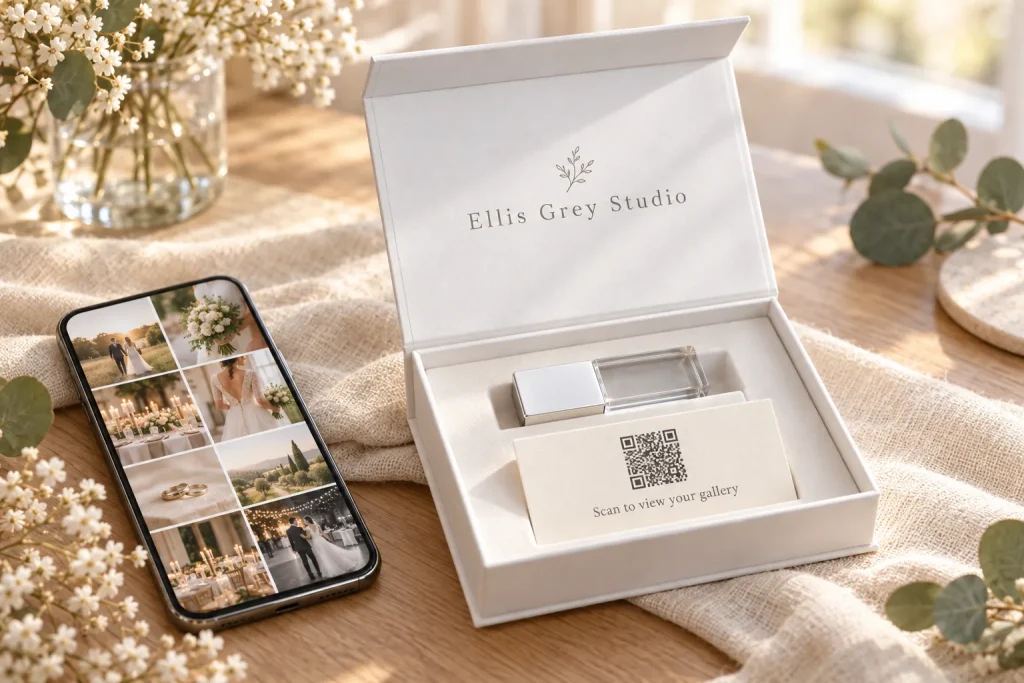
The short answer: an online gallery is the best way to share wedding photos, a USB is the best way to keep them, and a QR code is simply a quick door into the gallery. None of the three does every job on its own. The setup we see working best is all three together: a gallery for sharing now, a USB in a presentation box as the permanent copy, and a printed QR card in the box that opens the gallery on any phone.
This guide compares the three methods honestly: what each is good at, how long each lasts, what each costs you in time and money, and which ones older relatives can actually use. It is written for UK wedding photographers by the team that makes personalised USBs and presentation boxes for them every week. If you want the practical side of USBs (sizes, formatting and loading times), that is covered in our guide to delivering wedding photos.
USB vs online gallery vs QR code at a glance
Most comparisons online are written by gallery or QR code platforms, so they tend to declare their own method the winner. Here is a fairer side-by-side view.
| What matters | Online gallery | USB in a box | QR code card |
|---|---|---|---|
| Sharing with guests | Excellent. One link, any device | Slow. Someone has to copy and send files | Excellent, but only because it opens the gallery |
| Works offline | No | Yes | No |
| How long it lasts | As long as the gallery stays live | Years, if stored well and copied | As long as the link behind it works |
| Older relatives | Needs internet, email and sometimes a login | Needs a computer or TV with a USB port | Needs a smartphone and internet |
| Something to hold | No | Yes, and it carries your brand | Yes, if printed on a card |
| Ongoing cost to you | A subscription and growing storage | None after delivery | None for a static code |
| Effort per wedding | Upload and send a link | Load, test and pack | A few minutes to create and print |
| Print sales | Yes, built into most platforms | No | Yes, through the gallery |
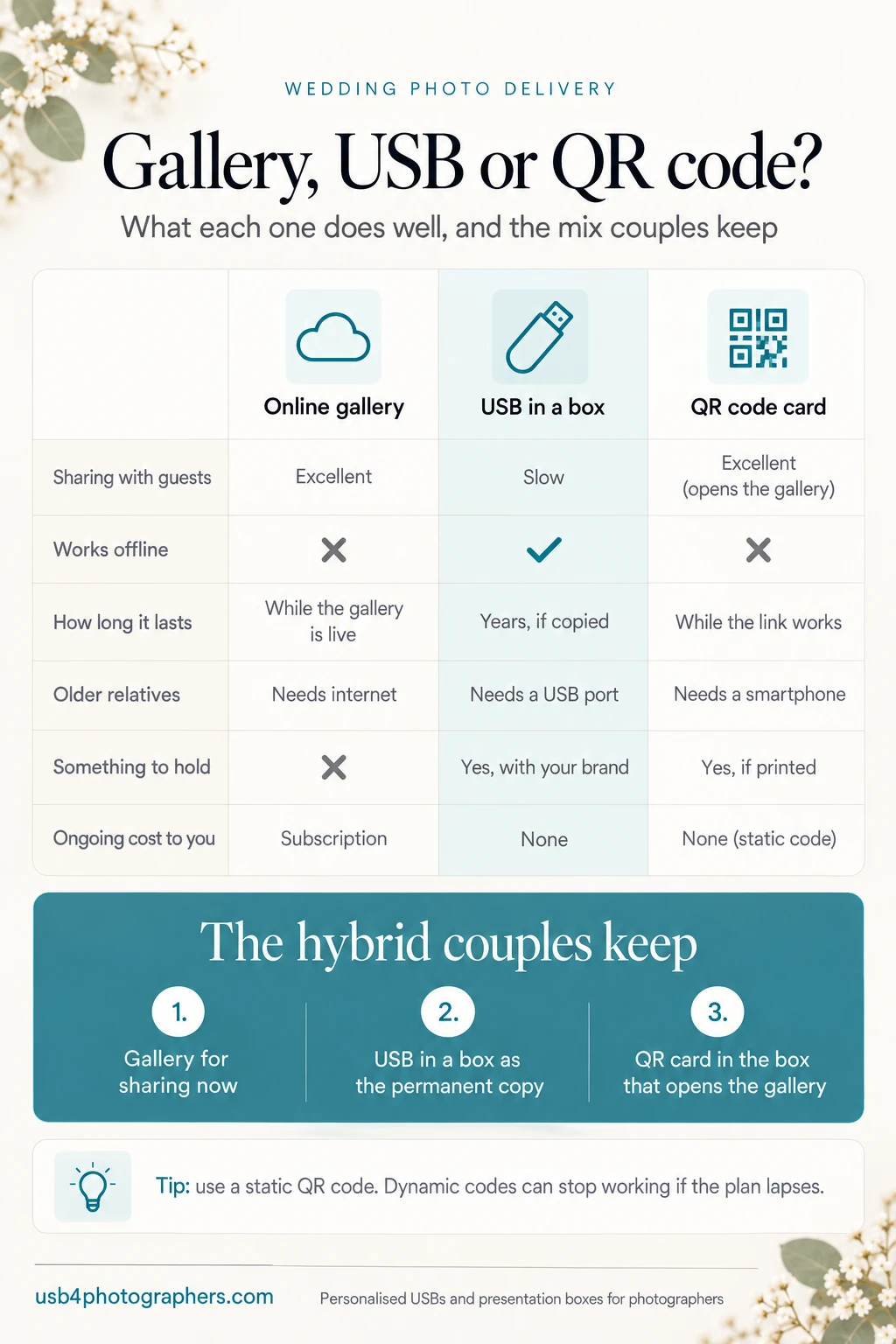
Read across the rows and the pattern is clear. The gallery and the QR code win on speed and sharing. The USB wins on ownership and permanence. That is why we recommend combining them rather than choosing one.
Online gallery: pros and cons
An online gallery is now the standard first delivery, and for good reason. Couples can see every image on their phone the day you send the link, share it with family in seconds and download what they need. Most gallery platforms also let guests order prints, which can be a useful extra income for you.
Where online galleries fall short
- Galleries expire. Most gallery platforms let you set an expiry date, and many photographers do, because sales tend to happen early and storage costs keep growing. Once a gallery goes offline, the couple can no longer reach it.
- Links get lost. The link sits in an email from two years ago, in an inbox the couple may no longer use. Web links in general do not last: a 2024 Pew Research Center study found that 38% of webpages that existed in 2013 were no longer accessible a decade later.
- Not everyone downloads. Many couples view the gallery, share it and assume it will always be there. They never save a full-resolution copy.
- Nothing to hold. A link has no weight, no box and no shelf presence. It does nothing for your brand after the first week.
None of this makes galleries a bad choice. It just means a gallery should not be the only copy.
USB: pros and cons
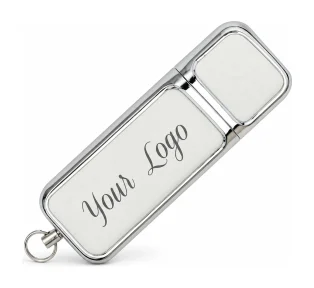
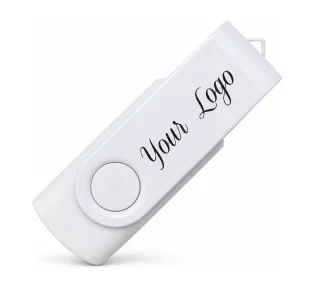
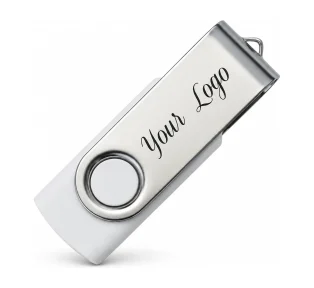
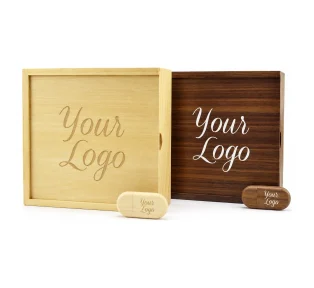
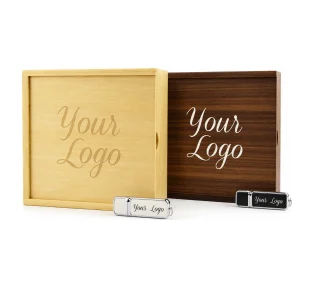
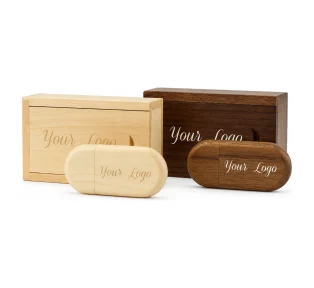
A USB is the opposite of a gallery. It is slower to share, but it is a copy the couple own outright, with no subscription, no login and no expiry date. When it comes in a branded box with a few prints, it is also the part of the delivery couples photograph and show to friends.
What a USB does well
- Permanent and offline. It works without Wi-Fi, without an account and without anyone paying a monthly fee.
- Easy to hand over. You can give it to a parent or grandparent as a physical object, which many find simpler than a link.
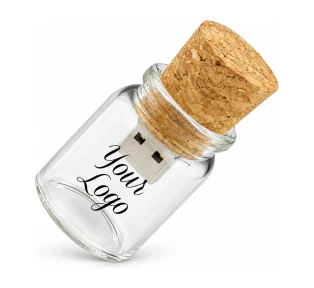
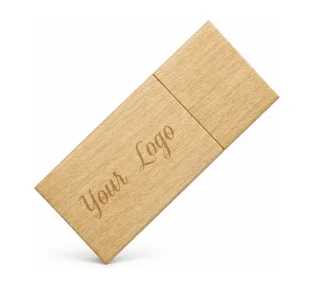
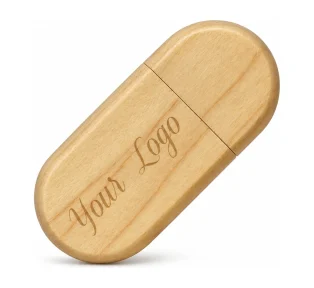
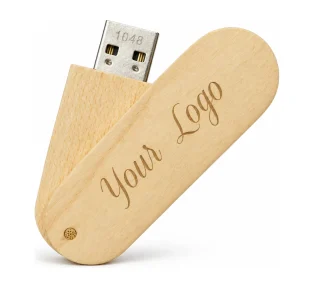
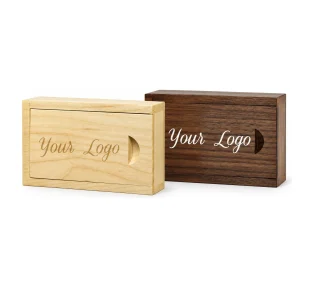
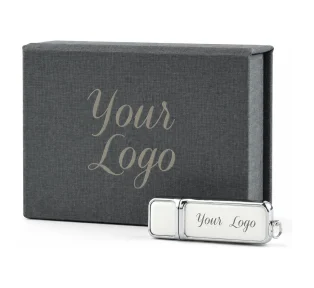
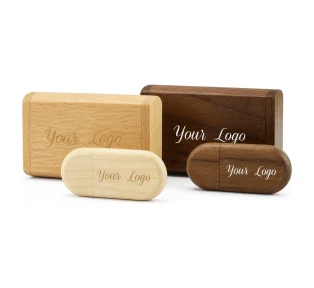
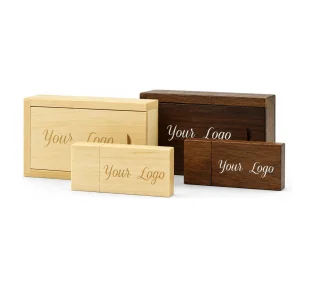
- A keepsake with your name on it. A personalised USB in a presentation box sits in the couple’s home for years. A gallery link never does that.
Where a USB falls short
- Sharing is manual. The couple have to copy files to send them on.
- It needs a port. A phone, or a laptop with only USB-C ports, needs an adapter. A TV with a USB port can usually show photos, but check the couple know how.
- It is still one copy. No storage is forever. The Library of Congress advises keeping at least two copies of personal digital photos in different places, checking them once a year and making new copies every five years. Put that advice in your read-me file so the couple know to copy the USB to their computer or cloud storage.
- It costs you time and money per wedding. Loading, testing and packing take a little time, and the USB and box are a real cost. Both are easy to plan for, as you will see below.
For USB sizes, how long a stick takes to fill and the FAT32 4GB file limit, see our wedding photo delivery guide. We will not repeat it here.
QR code: pros and cons
A QR code is not really a third delivery method. It is a printed shortcut to a web address, usually your online gallery. That makes it extremely convenient, and it also means it can only ever be as reliable as the link it points to.
What a QR code does well
- Instant access on a phone. The iPhone Camera app reads QR codes with no extra app, and Google’s own camera app does the same on supported Android phones.
- No typing. Nobody has to copy a long gallery address from an email.
- Cheap and quick. A basic code takes minutes to make and print on a card for the box.
The two QR code risks most photographers miss
- Dynamic codes can stop working. Many QR generators create “dynamic” codes that pass through the provider’s own short link. These usually need an active plan. If the subscription lapses, the redirect can pause and the printed code leads nowhere. A “static” code holds the web address itself and does not expire, but you cannot change it once printed.
- The code dies with the gallery. Even a perfect static code is useless if the gallery behind it has expired. A QR card that leads to an “expired” page is worse than no card at all.
Our advice: use a static code where you can, point it at a gallery you intend to keep live, and print it at a sensible size. QR guidance generally recommends at least 2cm square for close-up scanning, with a clear blank border around the code.
What do parents and grandparents find easiest?
This is the question that often decides it. Couples are usually happy with a gallery link. Their parents and grandparents are a different audience.
Ofcom’s 2025 report on adults’ media use found that 21% of people over 65 in the UK have no internet access at home, and that adults aged 75 and over were the age group most likely to have no access (32% in 2024). For those relatives, a gallery link or a QR code simply does not work on its own.
What works instead:
- A few printed photographs in the box, which anyone can enjoy with no device at all.
- A USB that a family member can plug into a laptop or TV for them.
- A separate parents’ box, if the couple want to give one as a thank-you. We cover keepsakes for parents in our client gift ideas guide.
How long does each method last?
| Method | Lasts as long as | What ends it | How to protect it |
|---|---|---|---|
| Online gallery | You keep paying and keep it live | An expiry date, a plan change, a lost link | Tell couples to download a full copy, and say clearly when the gallery will close |
| QR code | The link behind it works | A lapsed dynamic code plan, an expired gallery | Use a static code and point it at a gallery you will keep live |
| USB | It is stored well and copied | Loss, damage or a single copy failing | A protective box, a read-me telling couples to make a second copy |
Couples rarely think about any of this on delivery day. They think about it five years later, when they want to make an anniversary album and the link no longer works. The USB in the box is what saves that moment.
Cost and effort for the photographer
Each method costs you something different, and it is worth being clear about it when you plan your packages.
- Online gallery: a recurring subscription, plus storage that grows with every wedding you keep online. The effort per wedding is low: upload, check and send.
- QR code: a static code is usually free and takes minutes. A dynamic code may need a paid plan, which is one more subscription to keep alive.
- USB and box: a one-off cost per wedding and some time to load, test and pack. There is nothing to pay after delivery, and the cost is easy to build into your package price. Our guide to pricing a USB and presentation box into your packages walks through the numbers.
You can order USB and box sets from a single set, so there is no need to hold stock. With a 5 day lead time and free UK delivery, you can order per wedding once the edit is under way.
The hybrid we recommend: gallery, USB box and QR card
The photographers we work with who get the best feedback rarely pick one method. They layer them, so each one covers the others’ weak spots.
- Send the online gallery first. This is the quick, shareable delivery. Say in the email that a keepsake copy is on its way, and give the date the gallery will close, if it will.
- Load the USB as the permanent copy. Full-size and web-size folders, plus a short read-me with your contact details and a reminder to keep a second copy.
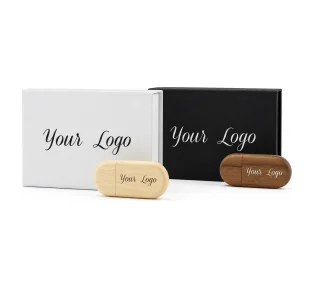
- Print a QR card for the box. One side with the QR code to the gallery, the other with a short thank-you. A bank-card-sized card fits neatly next to the USB.
- Add two or three printed favourites. These are for the people who will never open a link.
- Pack it all in a branded presentation box and deliver by hand or tracked post.
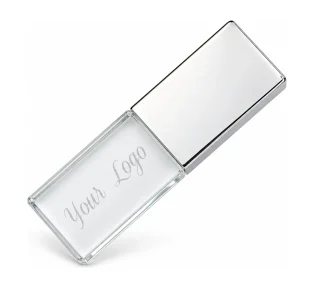
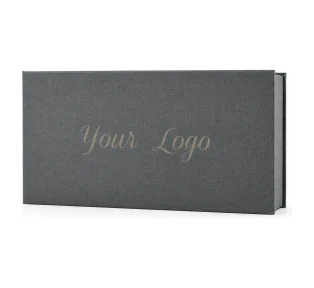
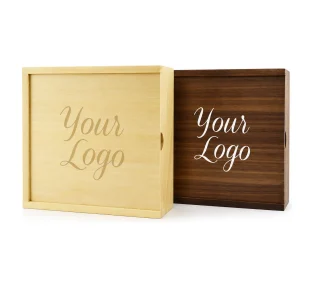
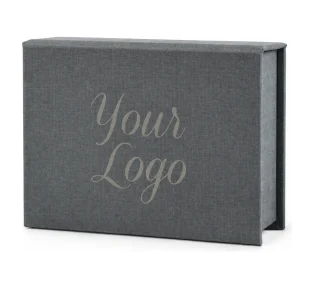
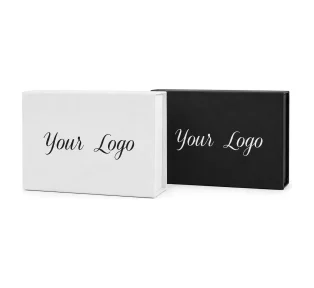
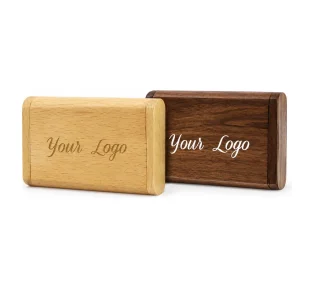
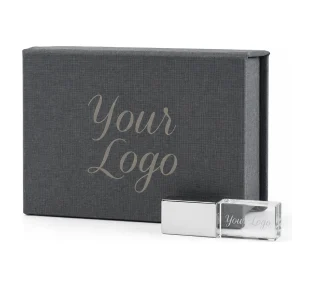
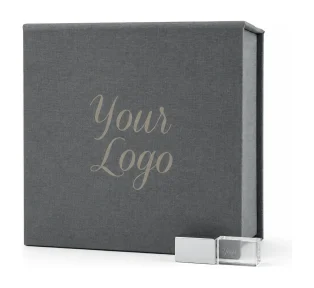
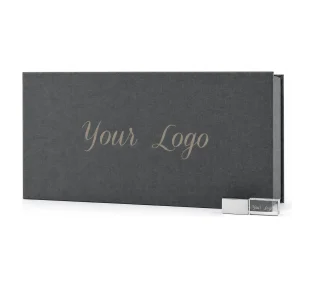
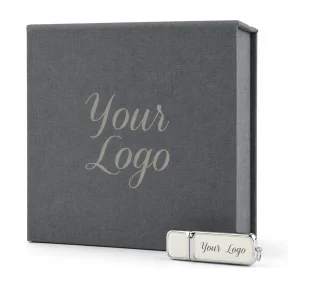
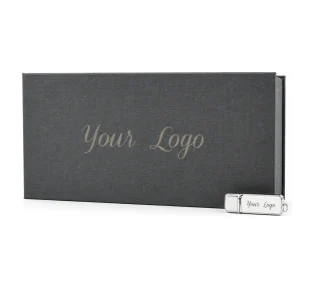
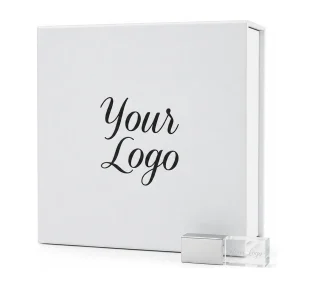
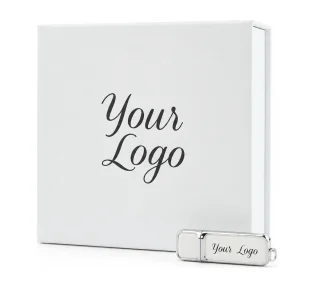
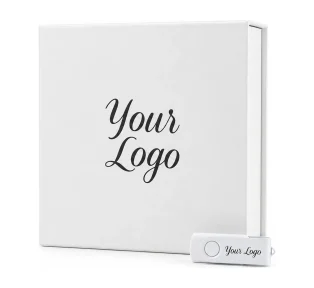
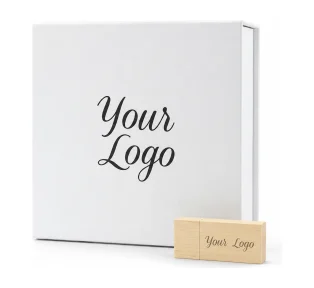
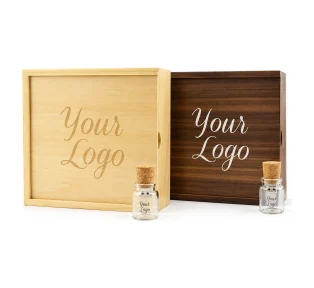
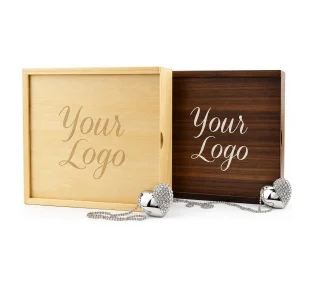
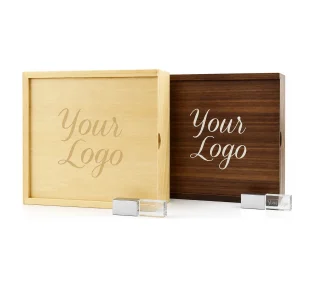
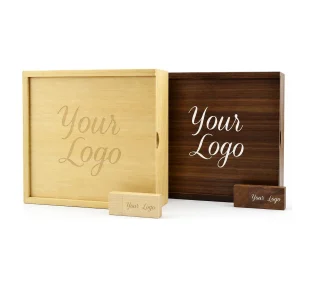
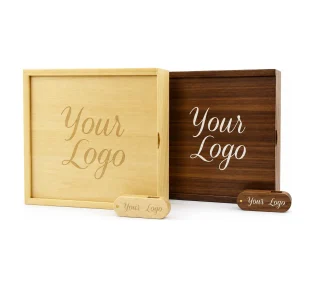
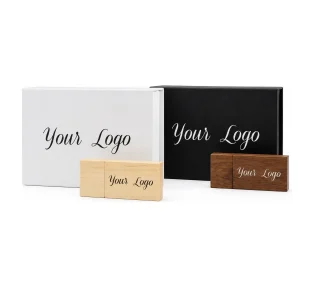
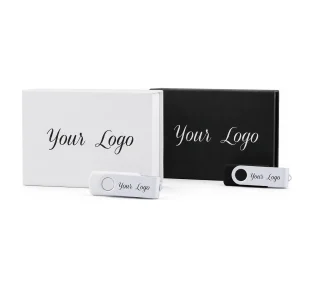
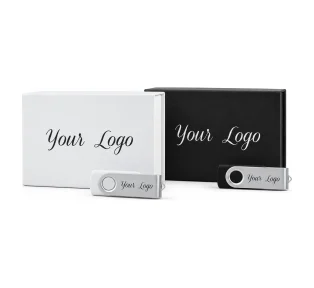
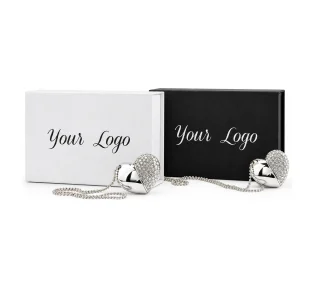
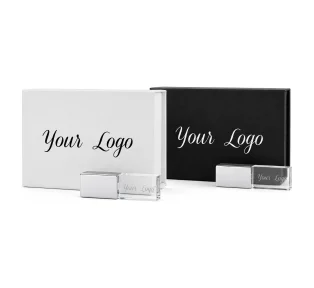
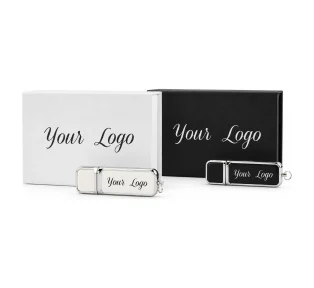
For a photo print delivery, the Crystal USB and Classic Photo Prints box holds the USB, your 6×4 prints and the QR card in one soft grey box. Other options are in our photo USB gift box sets. For ideas on matching the box to the couple and your brand, see our photo presentation box ideas.
What to print on the QR card
Keep it short and clear. Something like:
- “Scan to view and share your full wedding gallery.”
- “Your gallery is online until [date]. Your USB is your permanent copy, so please save a second copy on your computer.”
- Your studio name, website and social handle.
Test the code on an iPhone and an Android phone before you print a batch. If the gallery will close, say so on the card. Honesty here avoids the “expired link” disappointment later.
Which method suits which couple?
- Tech-confident couples who share everything online: the gallery does most of the work, but they still benefit from a USB as a backup they own.
- Couples with older parents and grandparents: prints and a USB matter most. A QR card helps the younger relatives.
- Destination and elopement couples: a gallery for speed, then a small USB box posted home as the keepsake.
- Couples who want an album later: a USB guarantees they still have full-size files when they get round to ordering it.
Frequently asked questions
Is a USB or an online gallery better for wedding photos?
They do different jobs. An online gallery is better for quick sharing and print sales. A USB is better as a permanent, offline copy the couple own with no login or subscription. Most photographers we work with use both.
Do online wedding galleries expire?
They can. Most gallery platforms let photographers set an expiry date, after which the couple can no longer view or download the photos. Tell couples the closing date and encourage them to save a full copy, ideally on a USB.
Is a QR code a good way to deliver wedding photos?
A QR code is a convenient shortcut to your online gallery, not a separate copy of the photos. It works well on a printed card in the box, but it only lasts as long as the link behind it. Use a static code and point it at a gallery you will keep live.
Do QR codes expire?
A static QR code does not expire, because the web address is stored in the code itself. A dynamic QR code passes through the provider’s short link and usually needs an active plan, so it can stop working if the subscription ends. Either type fails if the gallery it points to is taken down.
How do older relatives view wedding photos without the internet?
Printed photographs in the box need no device at all. A USB can be plugged into a laptop or a TV with a USB port, often with help from a family member. A gallery link or QR code needs a smartphone or computer and an internet connection.
Should I put a QR code in my USB presentation box?
Yes, it is a useful addition. A small printed card with a QR code to the gallery lets guests and younger relatives view and share the photos instantly, while the USB stays as the permanent copy. Include the gallery closing date on the card if there is one.
How long will wedding photos last on a USB?
A USB stored safely in its box can last for years, but no storage should be the only copy. The Library of Congress advises keeping at least two copies in different places and making new copies every five years. Add a read-me on the USB asking the couple to save a second copy.
Give couples a copy they will still have in twenty years
The gallery gets the photos seen. The QR card makes them easy to reach. The USB in a branded box makes sure the couple still have them long after the link has gone quiet, with your studio name on the shelf the whole time.
Browse our USB and box sets to build your hybrid delivery, or see real orders from other photographers in our photographers’ showcase gallery. Questions about which set suits your packages? Get in touch and we will help you choose.
More guides for photographers
- How to deliver wedding photos to clients: gallery, USB or both, with USB sizes, load times and a delivery checklist.
- Christmas mini sessions guide: when to open bookings, how to price minis and how to deliver before Christmas.
- Wedding photographer client gift ideas: small, well-timed gifts from booking to first anniversary.