How to Deliver Wedding Photos to Clients: The 2026 UK Guide
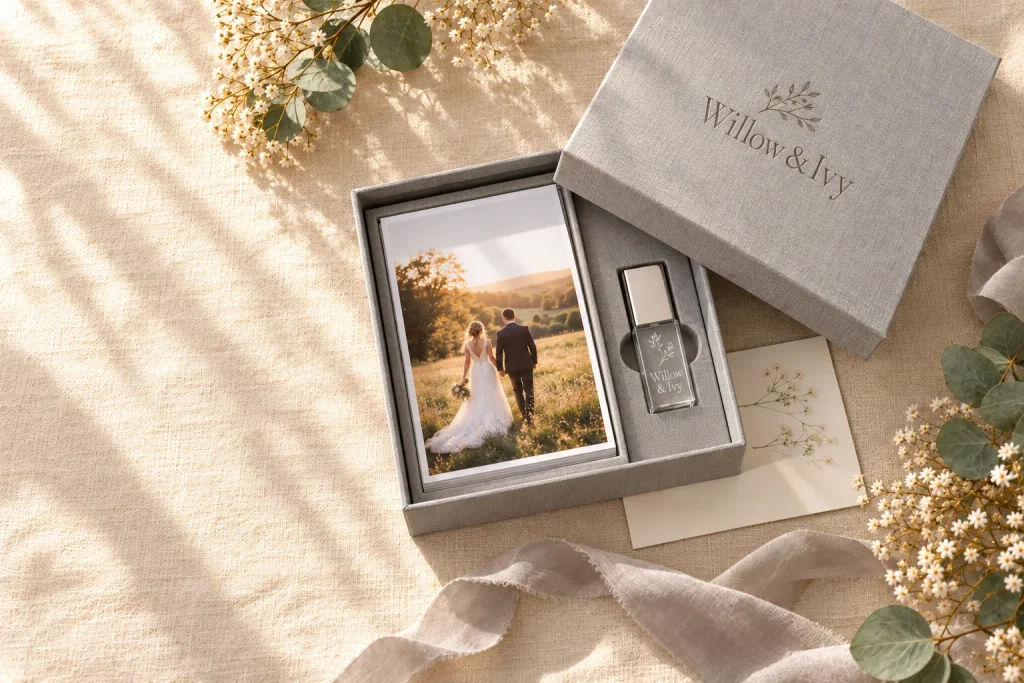
The short answer: in 2026 the best way to deliver wedding photos is to use two things together. An online gallery lets the couple share and download quickly. A branded USB in a presentation box gives them a copy they own forever. Add two or three printed favourites in the box and the handover becomes a moment the couple remember, photograph and talk about. That is where your next bookings come from.
This guide covers how to choose between a gallery, a USB or both, what size USB you need, how long it takes to load, which box suits which package, and how to build the cost into your prices. It is written for UK wedding photographers by the team that makes personalised USBs and presentation boxes for them every week.
Online gallery, USB or both?
Most couples now expect an online gallery. It is fast, it works on a phone and it lets guests order prints. But a gallery on its own has weaknesses that couples only notice later: links get lost in old emails, galleries expire when a plan ends, and a login page is not something you can hand to a grandparent.
A USB fixes those gaps. It is a permanent, offline copy that the couple keep in a drawer or on a shelf, no subscription needed. On its own, though, a USB is slow to share. That is why most photographers we work with now use both. We compare all three options, including QR codes, in USB vs online gallery vs QR code.
| Delivery method | Best for | Weak spot |
|---|---|---|
| Online gallery only | Fast sharing with family and guests, print sales, viewing on phones | Galleries can expire, links get lost, nothing physical to keep |
| USB only | A permanent offline copy, older relatives, couples who want something to hold | Slower to share, needs a computer or TV with a USB port |
| Gallery plus USB in a box (recommended) | A premium experience: quick sharing now, a keepsake for later | A small extra cost per wedding, which you build into your package |
A useful way to think about it: the gallery is for this month, the USB box is for the next twenty years.
Why the physical handover still matters in 2026
Your photographs are the product. The handover is how the couple feel about the product. Three reasons it is worth getting right:
- It is your last impression. The couple’s final contact with you is the delivery. A well-made box with your logo on it ends the booking on a high, months after the wedding day itself.
- It keeps working after you leave. A presentation box sits on a shelf or a coffee table. Every visitor who picks it up sees your studio name. A gallery link never does that.
- It gets shared. Couples film and post the unboxing. That is free, warm marketing to exactly the people who are planning weddings next: their friends.
What size USB do you need for wedding photos?
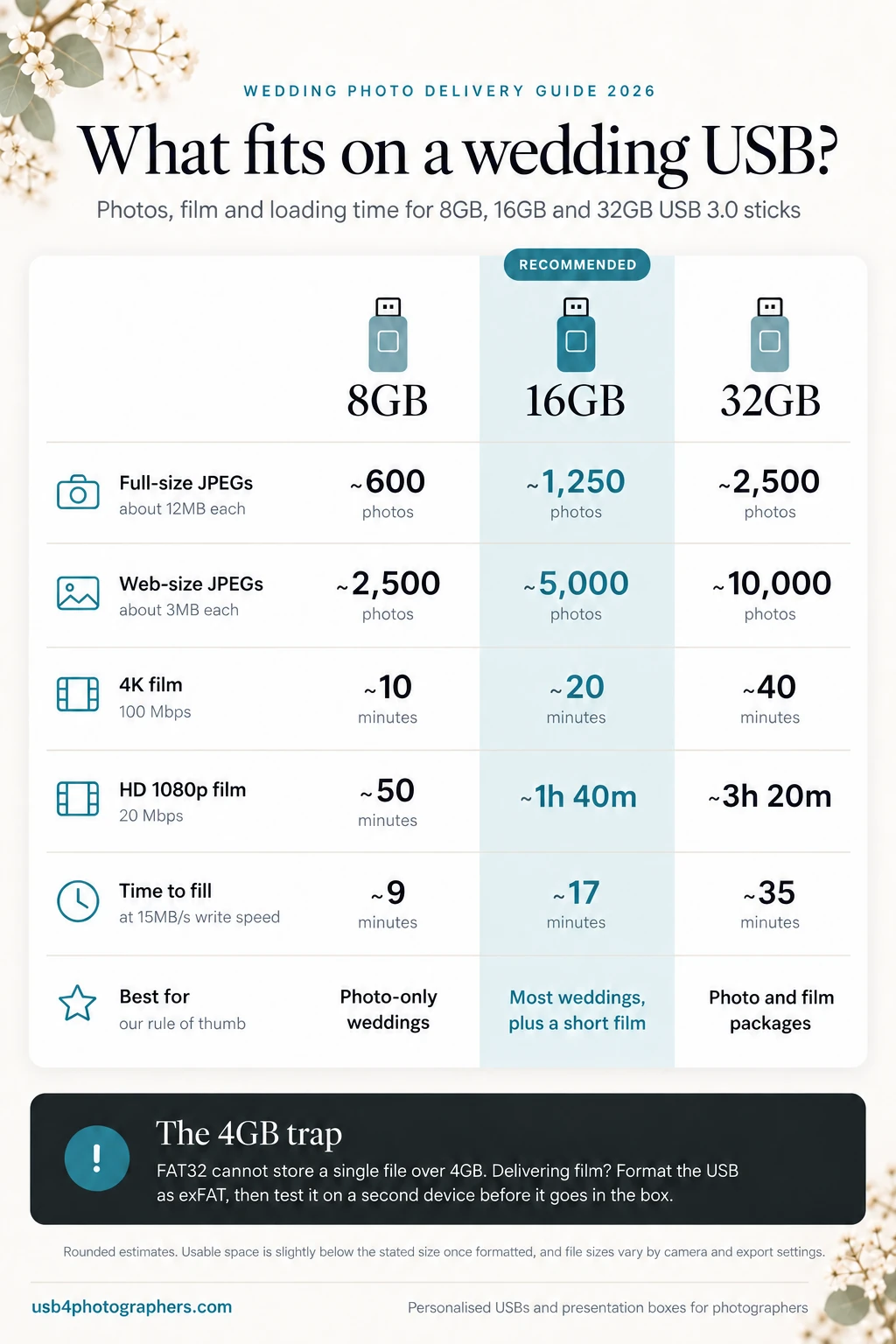
Capacity depends on how many images you deliver, the file size you export at, and whether you include video. Here is a guide based on full-resolution JPEGs of about 12MB each, web-size JPEGs of about 3MB, and typical video bit rates.
| USB size | Full-size JPEGs (12MB) | Web-size JPEGs (3MB) | 4K film | HD 1080p film |
|---|---|---|---|---|
| 8GB | About 600 | About 2,500 | About 10 minutes | About 50 minutes |
| 16GB | About 1,250 | About 5,000 | About 20 minutes | About 1 hour 40 |
| 32GB | About 2,500 | About 10,000 | About 40 minutes | About 3 hours 20 |
These are rounded estimates. A USB sold as 8GB shows a little less usable space once formatted, and file sizes vary with your camera and export settings.
Our rule of thumb:
- 8GB suits a photography-only wedding delivered as full-size JPEGs, with room for a web-size set too.
- 16GB is the safe choice for most weddings. It gives headroom for a larger gallery, both full-size and web-size sets, and a short highlights film.
- 32GB is for photo and film packages, or for photographers who deliver a large gallery plus several versions of each image.
The price difference between sizes is small, so if you are unsure, go one size up. Running out of space when you are loading a USB the night before delivery is not fun. You can choose 8GB, 16GB or 32GB on every personalised USB stick we make.
How long does it take to load a wedding USB?
Plan for this, because it catches people out. Our USB 3.0 sticks write at around 15MB per second and read at around 60MB per second. Writing is the slow part, so filling a stick takes roughly:
- 8GB: about 9 minutes
- 16GB: about 17 minutes
- 32GB: about 35 minutes
Thousands of small files take longer than a few large ones, and a USB 2.0 port on an older laptop will slow things down. If you deliver several weddings a week, load USBs in batches while you edit, rather than one at a time on delivery day.
Format the USB correctly (the 4GB trap)
Many USB sticks arrive formatted as FAT32. FAT32 works almost everywhere, but it cannot store a single file larger than 4GB. A long ceremony film or a full-length 4K edit can easily go over that, and the copy simply fails.
- Photos only: FAT32 is fine and has the widest compatibility, including many smart TVs and digital photo frames.
- Photos and film: format the USB as exFAT. It handles large files and works on modern Windows PCs and Macs. Test it on the type of TV or player the couple are likely to use if that matters to them. Delivering a full film? See our guide to delivering wedding films on USB.
Whatever you choose, test every USB on a second computer before it goes in the box. A two-minute check saves an awkward phone call.
Choosing a USB style that matches your brand
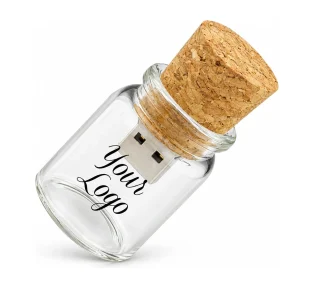
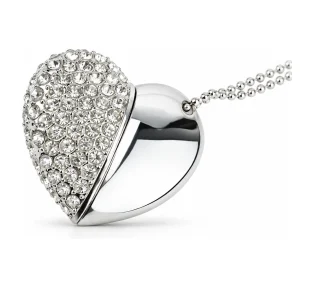
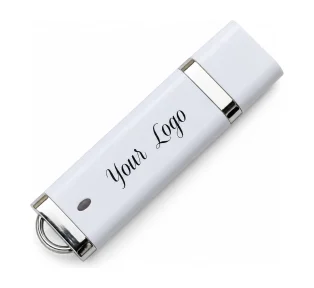
The USB itself says something about your studio before the couple have seen a single photograph. Pick a style that matches how you shoot and how you price.
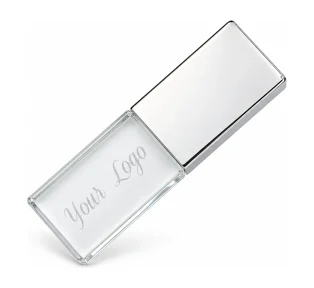
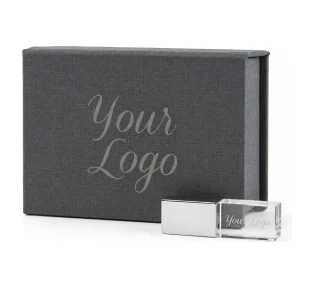
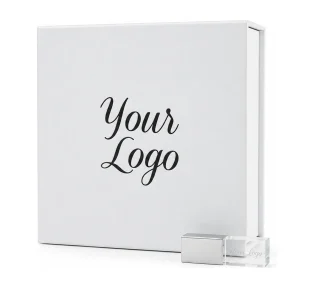
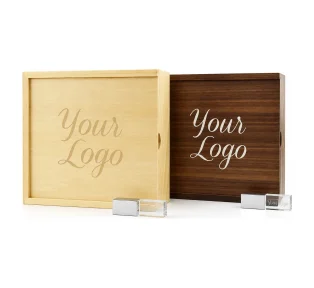
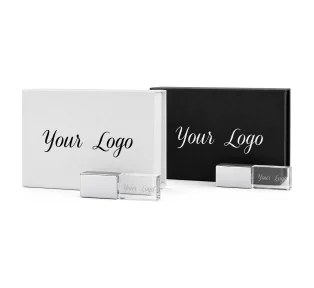
- Crystal USB: glass with a coloured lid, laser engraved. Feels luxurious and suits classic, elegant weddings. See the Crystal USB stick.
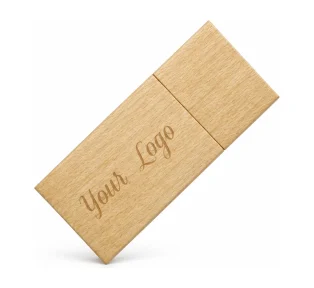
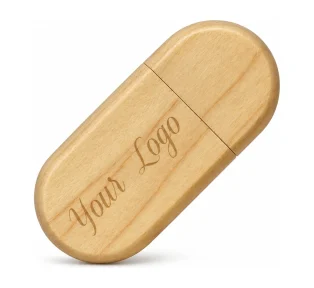
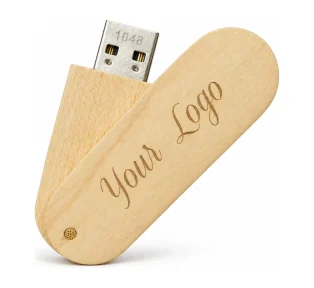
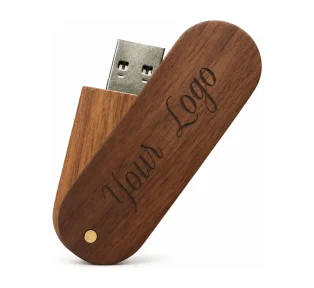
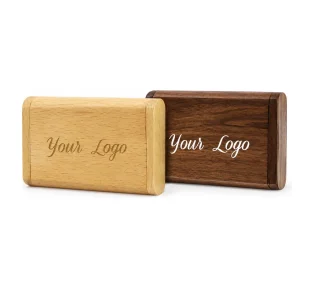
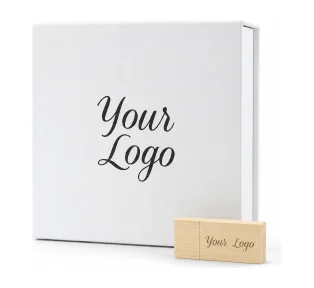
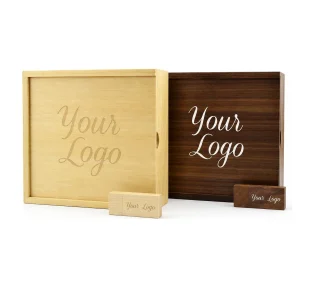
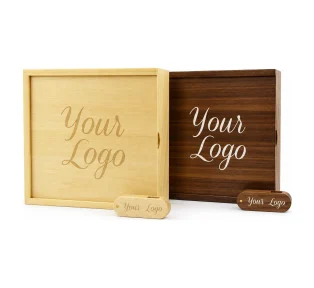
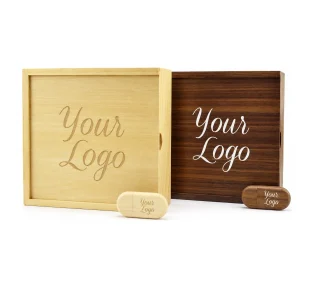
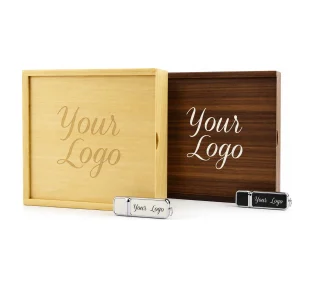
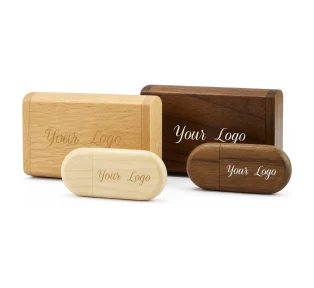
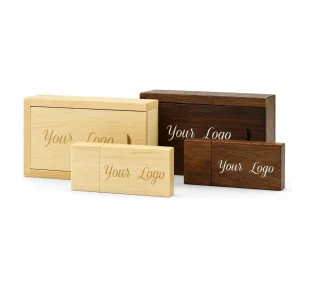
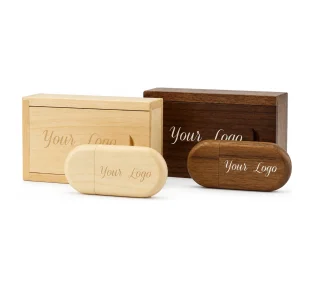
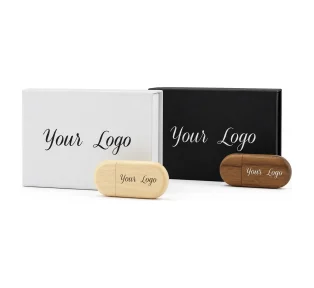
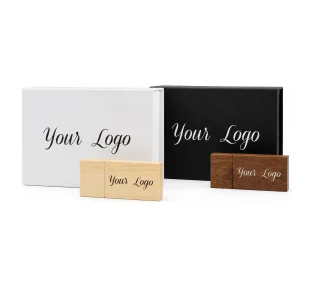
- Wooden USB (Block, Pebble or Twister): natural, warm and tactile. A natural fit for rustic, barn, outdoor and family photography. Your logo is laser engraved into the wood.
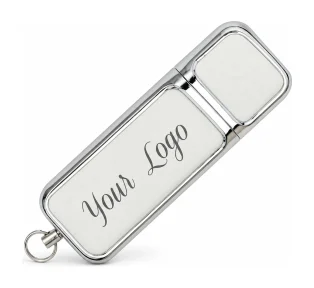
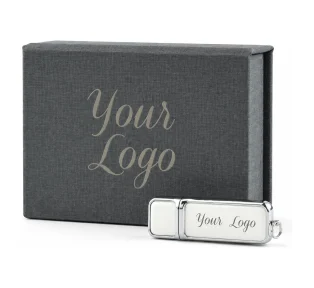
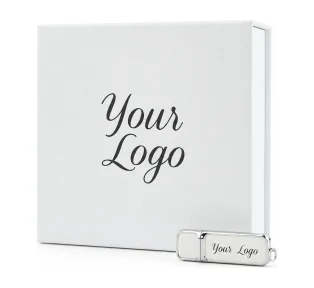
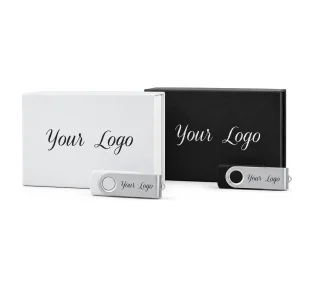
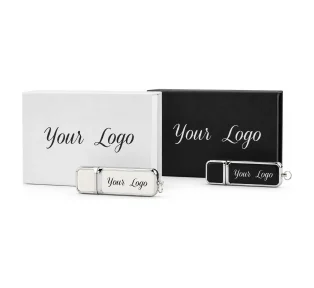
- Hermes metal USB: polished and understated, a good all-rounder that matches almost any brand.
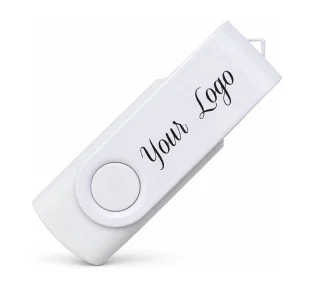
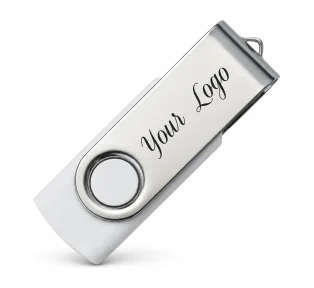
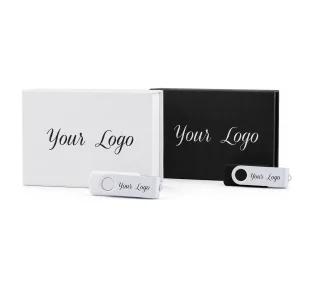
- Twister and Twister Duo: modern, colourful and easy to brand, ideal for lighter packages or second-shooter copies.
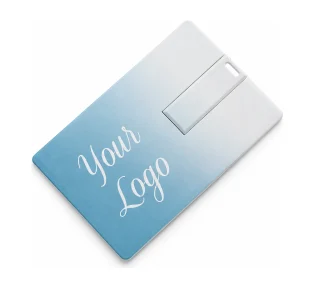
- Slim Card USB: the size of a bank card, so it slips inside a thank-you card or album.
Compare every option side by side in our USB sticks range.
Choosing the presentation box
The box is what the couple open, photograph and keep, so it does more for your brand than the USB itself. Match the box to the package:
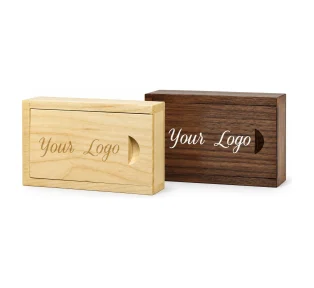
- Small gift boxes (small elegant, small wooden flip or slide, small magnetic flip) hold the USB alone. They are a smart, low-cost upgrade for elopements, engagement shoots and smaller packages. Browse small USB gift box sets.
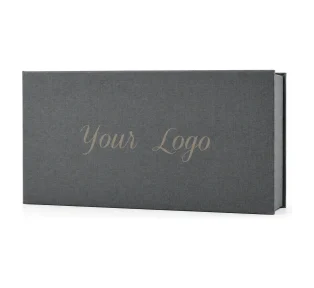
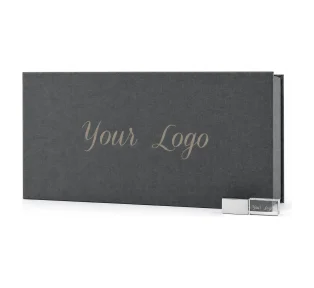
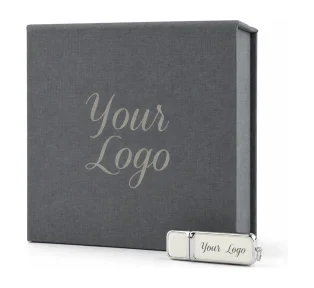
- Photo print boxes hold the USB plus a set of 6×4 inch prints. This is the classic wedding handover: the full gallery on the USB and the best moments in the hand. See photo USB gift box sets.
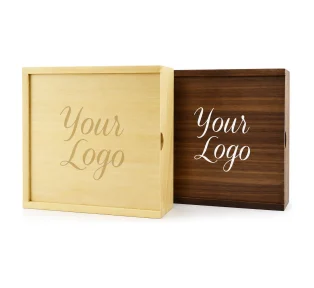
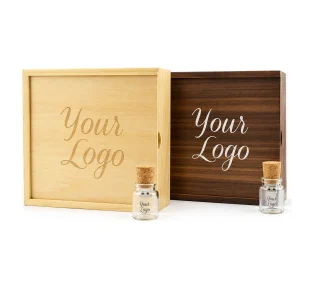
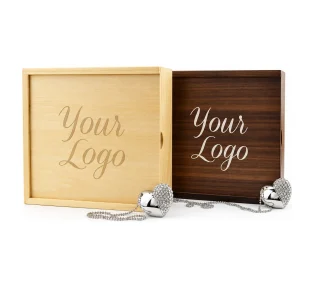
- Wooden boxes suit rustic and natural brands and look beautiful engraved. See wooden USB gift box sets.
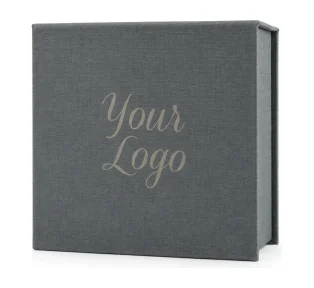
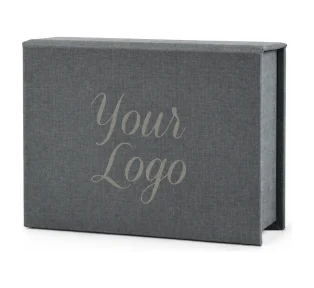
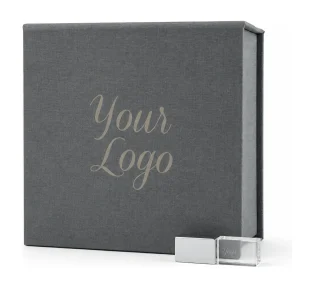
- Elegant boxes in soft fabric finishes suit luxury and classic weddings. See elegant USB gift box sets.
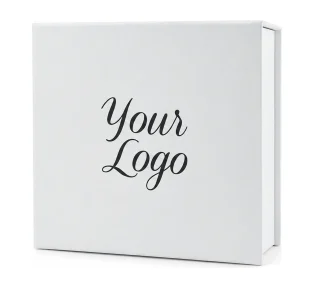
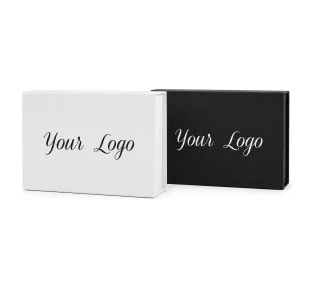
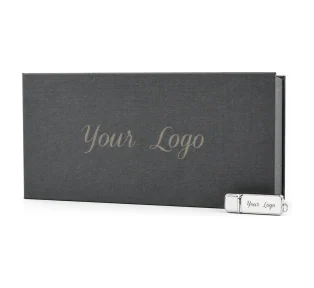
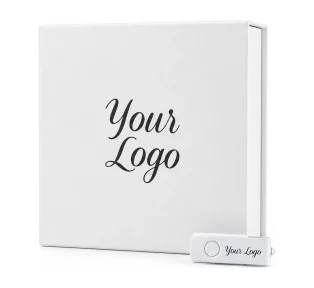
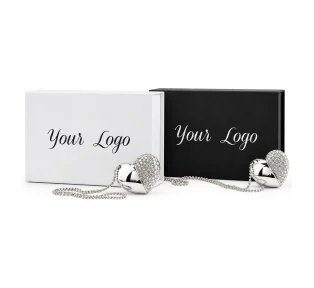
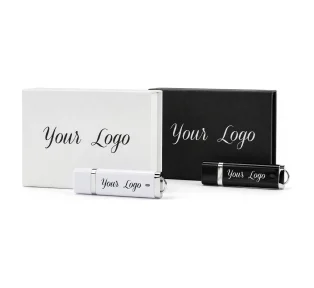
- Magnetic flip boxes in black or white give a clean, modern unboxing with a satisfying close. See USB presentation box sets.
Ordering the USB and box together as a set is the simplest way to get a matched look. A popular choice is the Crystal USB and Classic Photo Prints box: an engraved glass USB in a soft grey box with room for your 6×4 prints, both carrying your logo. For more ideas by type of shoot, see our photo presentation box ideas.
Logo printing or laser engraving?
Both put your brand on the product. They just suit different logos and materials.
- Laser engraving burns your logo into wood, glass or metal. It is permanent, subtle and premium, and it suits single-colour logos and wordmarks. Engraving is free on our USBs and boxes.
- Printing reproduces colour, so it is the better choice if your logo depends on a brand colour or has fine colour detail.
Keep it simple: a clean logo or studio name, with no tiny text, reads best on a small surface. Send a vector file (SVG, PDF or EPS) if you have one. A high-resolution PNG works too. You will see a visual proof of your logo on the product before anything is printed or engraved, so you can check the size and position first.
A wedding photo delivery timeline that wins referrals
The best photographers treat delivery as a sequence, not a single email. A timeline like this keeps the couple excited from the wedding day to the box arriving:
- Within 48 hours: sneak peek. Ten to twenty favourites by email or social media, while the couple are still glowing.
- At booking or the week after the wedding: order the USB and box. With a short lead time you can order per wedding rather than holding stock, and the box is ready when your edit is.
- Full gallery delivery. Send the online gallery link with a note that a keepsake copy is on its way. That line alone builds anticipation.
- Load and test the USB. Full-size set, web-size set, a short read-me with your contact details, social handles and a print release.
- Pack the box. USB, two or three printed favourites and a handwritten card.
- Deliver by hand or tracked post. Hand delivery is a lovely touch for local couples.
- Follow up a week later. Ask how they liked it and request a review while the moment is fresh. This is when couples are most willing to write one.
How to price the USB and box into your packages
Do not list the USB box as an optional extra that couples can talk themselves out of. Build it into the package price and present it as part of the experience.
- Work out your cost per wedding. Add the USB, the box, any prints and postage. Prices fall as the quantity goes up, and every product page shows the quantity pricing, so check the price at the number you will order in a typical season.
- Include it in every full-day package. It makes your top packages feel complete and justifies a higher price more than an extra hour of coverage does.
- Use a smaller box for smaller packages. A small gift box set keeps the experience consistent at a lower cost.
- Offer extra boxes for parents. Parents and grandparents love a copy of their own. Offer additional USB boxes as an add-on, which turns a cost into profit.
For the full sums, see how to price a USB and presentation box into your packages.
Common wedding photo delivery mistakes
- Relying on a gallery link alone. Links expire and get lost. Give the couple something permanent.
- Using a cheap, unbranded USB. It undoes the quality of your work in the last ten seconds of the relationship.
- Forgetting the 4GB file limit. Format as exFAT if you include film.
- Not testing the USB. Check every stick on a second machine before it is boxed.
- Messy file names. Name folders clearly, for example “01 Full size” and “02 Web size”, and number files in order.
- No contact details inside. A small read-me file and a card in the box make it easy for guests to find you later.
- Ordering too late. Order when the wedding is booked or straight after, not the week the edit is finished.
Your wedding photo delivery checklist
- Online gallery link sent
- USB size chosen with room to spare (16GB for most weddings)
- USB formatted correctly (exFAT if it includes film)
- Full-size and web-size folders, clearly named
- Read-me with contact details and print release
- USB tested on a second computer
- Two or three printed favourites
- Handwritten thank-you card
- Box branded with your logo
- Review request scheduled for one week later
Frequently asked questions
Do couples still want wedding photos on a USB in 2026?
Yes. Most couples use an online gallery for sharing, but many also want a permanent copy they own without a login or subscription. A USB in a presentation box gives them that, and parents and grandparents often find it easier to use than a gallery link.
What size USB is best for wedding photos?
16GB suits most weddings. It holds about 1,250 full-size JPEGs at 12MB each, with room for a web-size set and a short film. Choose 8GB for smaller photo-only galleries and 32GB if you include longer 4K film.
Should I give wedding photos on a USB or an online gallery?
Use both. The gallery is best for quick sharing and print sales, while the USB is a permanent offline copy and a branded keepsake. Together they give a premium experience that keeps your studio name in the couple’s home.
How should I format a USB for wedding photos and video?
For photos only, FAT32 offers the widest compatibility. If you include video files larger than 4GB, format the USB as exFAT, which works on modern Windows PCs and Macs. Always test the USB on a second device before delivery.
Can I put my logo on the USB and the box?
Yes. Your logo can be laser engraved on wood, glass and metal, or printed in colour. Engraving is free on our USBs and boxes, and you see a visual proof before anything is produced.
How long does it take to get personalised USBs and boxes?
Our standard lead time is 5 days, with free UK delivery. Order when the wedding is booked or straight after, so the box is ready before your edit is finished.
Can I order a single personalised USB box?
Yes. Our USB and gift box sets can be ordered from a single set, so you can order per wedding rather than holding stock. Larger quantities bring the price per set down.
How many printed photos should I include in the box?
Two or three of the strongest images is enough. They give the couple something to hold straight away and make the unboxing feel personal. Photo print boxes are sized for standard 6×4 inch prints.
Make your delivery as good as your photographs
Your couples will remember how their photographs arrived. A gallery for sharing, a personalised USB for keeping and a beautiful box with your logo turn a file transfer into a moment. They also keep your name on the shelf long after the wedding.
Browse our USB and box sets to find your presentation style, or see real orders from other photographers in our photographers’ showcase gallery. Questions about sizes, branding or a bespoke order? Get in touch and we will help you choose.
More guides for photographers
- Christmas mini sessions guide: when to open bookings, how to price minis and how to deliver before Christmas.